Find. Connect.Exchange.
OpenShare moves DICOM, HL7, and FHIR directly between organizations. Find your partner in the Contact Directory, send a sharing agreement, and when they accept, your feeds route: PACS to PACS, engine to engine, end-to-end encrypted.
Four steps from stranger to live feed.
Cloud networks bury how connections actually get made. Here is the whole mechanic, and it all happens in the Contact web app, in a browser.
Find them in the directory
Search the Contact Directory for the hospital, imaging center, or vendor you need to exchange with. Every member organization is listed.
Send a sharing agreement
The agreement names both parties and defines exactly what routes: which feeds, which direction, DICOM, HL7, or both.
They accept
Nothing moves until the other side accepts. Either side can revoke at any time, and every agreement action is audit-logged.
Feeds route
Studies and messages flow directly between your servers, end-to-end encrypted. No cloud copy, no per-study fees.
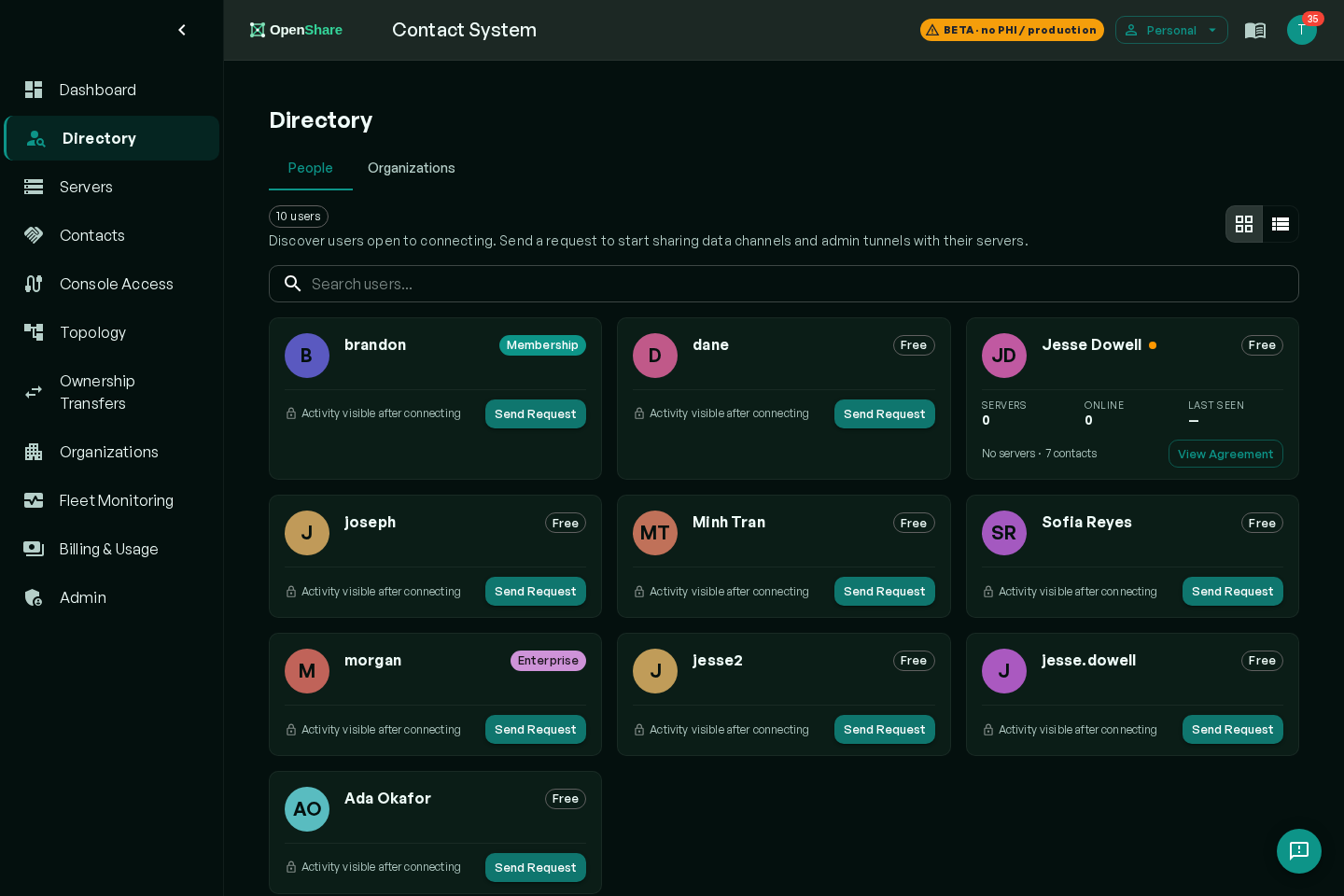
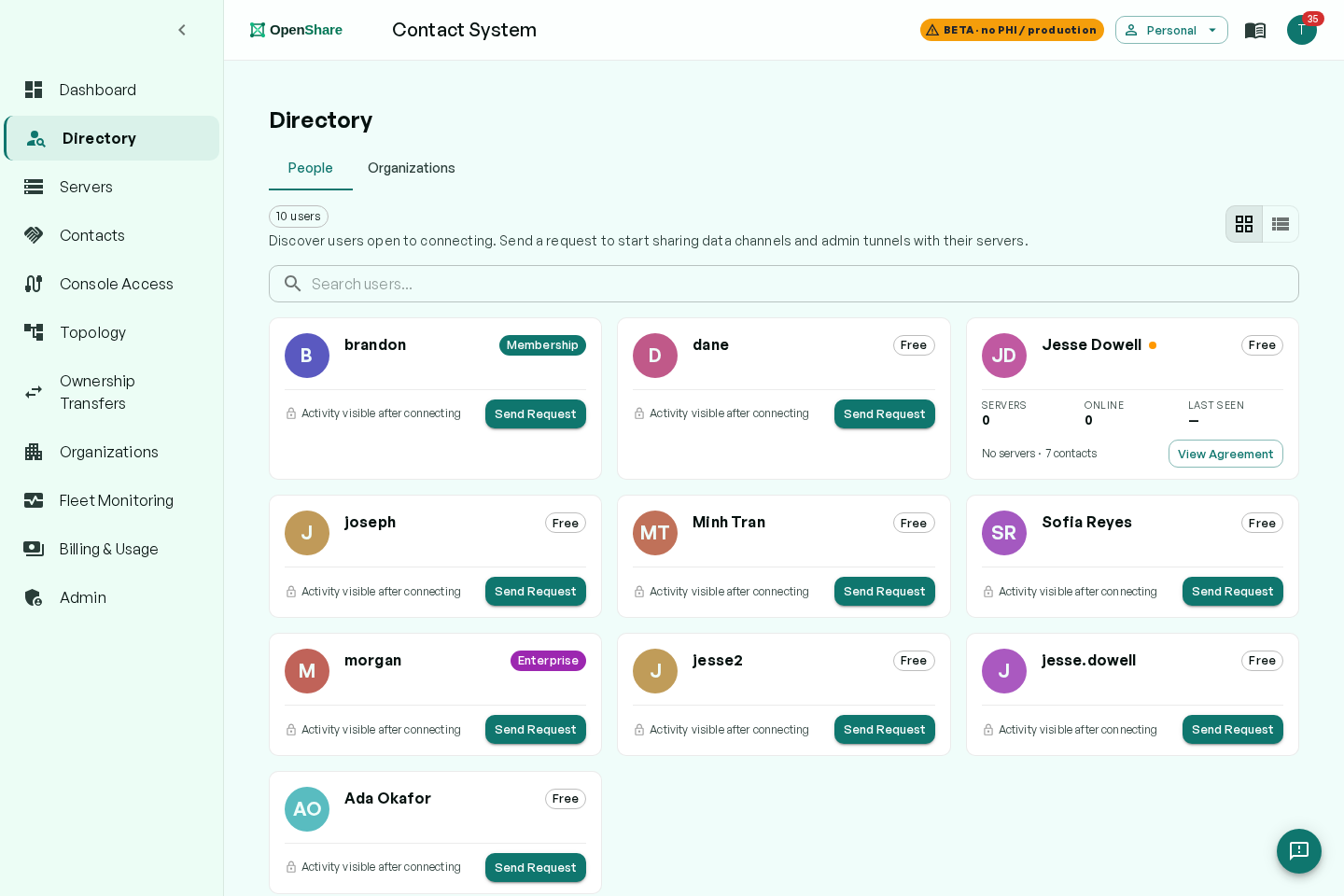
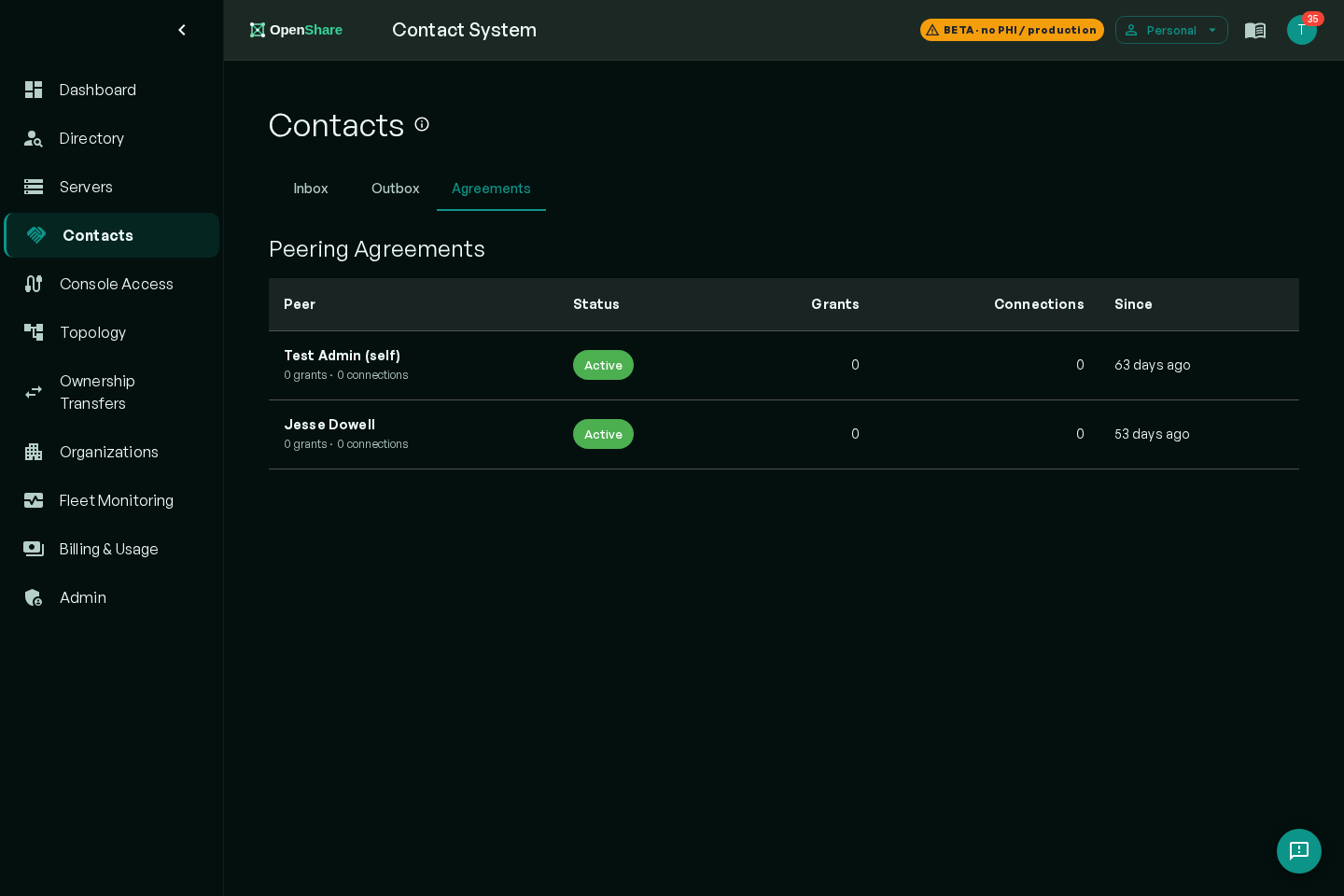
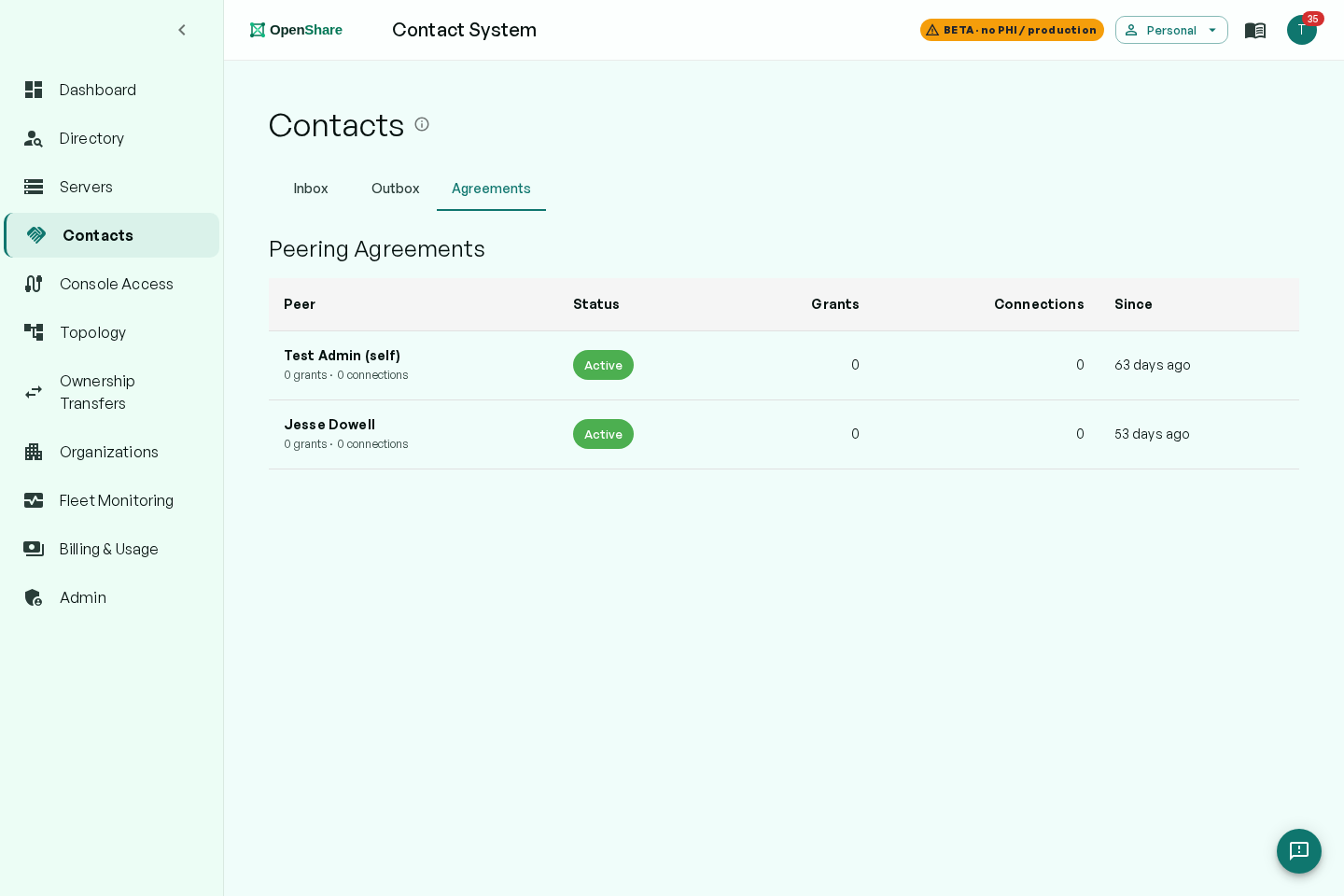
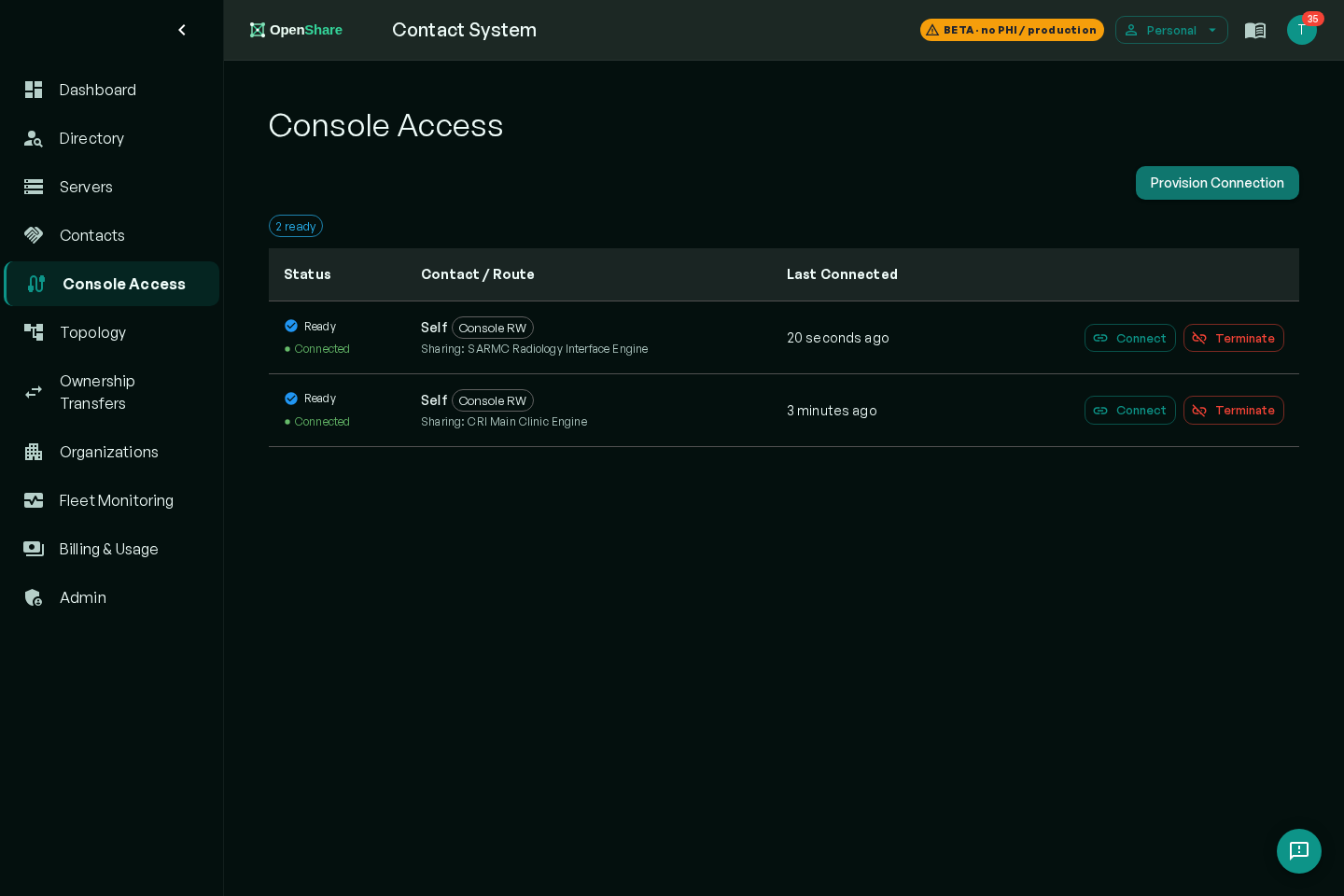
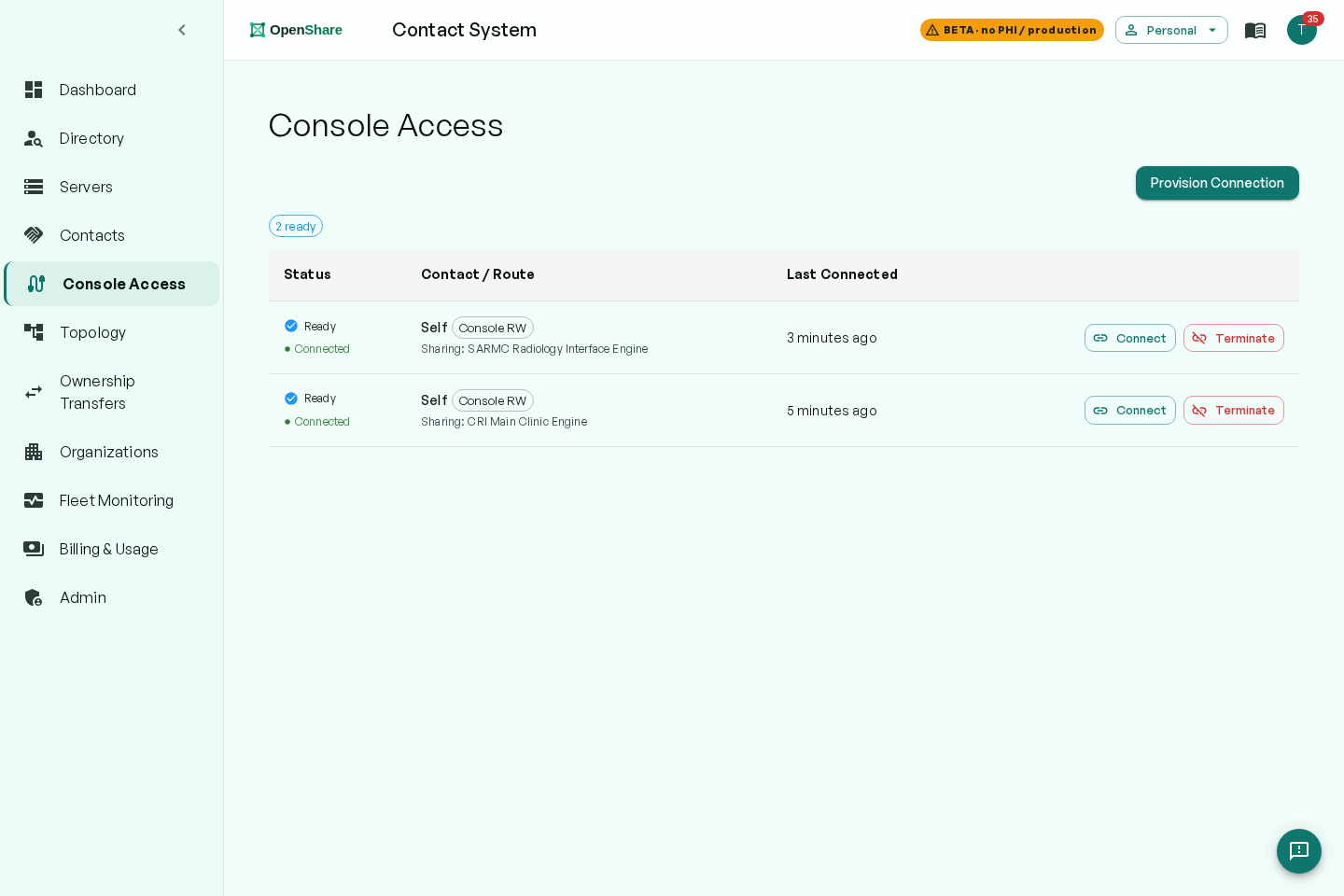
The real Contact app, not mockups. Click any screenshot to see it full size.
The sharing agreement is the object your compliance team can read.
Cloud networks ask you to trust the platform. OpenShare gives every sharing relationship a named, inspectable scope.
- Both parties named; nothing routes without an accepted agreement
- Scope is explicit: feed types and directions, per agreement
- Revocable by either side, instantly
- Every agreement action logged for audit
Speaks DICOM and HL7 out loud.
Incumbent marketing rarely names the DICOM services doing the work. Your PACS admin deserves the actual service names.
DICOM, as a standard node
Your PACS sees OpenShare as a standard DICOM node, with your AE titles listed right in the app. C-STORE to send studies. Query/retrieve, C-FIND and C-GET, against any peer whose agreement allows it. Q/R works across organizations, not just inside your walls.
C-STORE · C-FIND · C-GET · AE titles in the appHL7 and FHIR, bidirectional
Orders out, results back: ADT, ORM, and ORU route over the same agreements, in both directions. FHIR when you need it. The Open Integration Engine underneath transforms anything to anything, so mismatched feeds are a mapping, not a project.
ADT · ORM · ORU · FHIR · anything-to-anything transformsProtocol and routing specifics, in depth, on the Exchange page.
One app to run it. Advanced mode when you want it.
The Contact app is the whole job
Directory, sharing agreements, live connections and routes: a hospital admin operates the entire exchange from one web app. No engine expertise required, nothing to install on a desktop.
find · agree · connect · monitorAdvanced mode: the full console
Complex integrations live in the Mirth & OIE console underneath: custom transforms, channel logic, message-level control. Your integration team gets the depth, and nobody else has to touch it.
transforms · channels · message-level control · optionalThe data path, stated so you can check it.
Studies move directly between your gateway and theirs. When a strict firewall forces a relay, the relay carries traffic that stays encrypted end to end: OpenShare cannot decrypt your studies, and nothing is stored after delivery. Turn the relay off and the path is direct-only. The full architecture is on the security page.
The spec sheet, ungated.
Every competitor gates this behind a demo call. Here it is.
| Runs on | Mirth Connect or Open Integration Engine, on your servers |
|---|---|
| Install | One server plugin plus a free account. No separate VM, no appliance. |
| Network | Outbound HTTPS only. No inbound ports, no VPN, no firewall changes. |
| Encryption | End-to-end (WebRTC DTLS). The relay cannot decrypt; disable it for a direct-only path. |
| PHI | Stays on your infrastructure. Optional PHI-free mode keeps PHI off the dashboard entirely. |
| Go-live | Install the plugin, accept an agreement, route the first study the same day. |
Heard from imaging teams.
The complaints are real. The answers fit on one line, and clicking one gives you the whole story.
The meter reads gigabytes.
Per-study billing scales with your care volume: more patients, bigger bill, same infrastructure. OpenShare’s only meter is bandwidth, at a published rate, so cost tracks the actual work of moving data, not the number of studies you care for.
There is nothing to park.
Studies travel gateway to gateway, end-to-end encrypted. When a strict firewall forces our relay, it carries traffic it cannot read and stores nothing after delivery. Prefer no third-party hop at all? Direct-only mode is a switch, and the connection fails closed.
A connection is a sharing agreement, live the same day.
Find them in the Contact Directory, send a sharing agreement, and the route is live when they accept: same day, no VPN paperwork, no inbound firewall rules, outbound HTTPS only at both ends. Joining costs your partner nothing, so there is no procurement fight on their side either.
Your PACS will not notice the difference.
OpenShare is a standard DICOM node: your PACS sends the way it sends today, to AE titles listed right in the app. Techs keep their workflow. The Contact app is for the admin running connections, and the full console stays optional, for integration teams only.
Hubs pay. Spokes connect free.
Network membership is $500 per server, per month, with 2.5 GB of transfer included and $0.25 per GB after. Every connection needs one paid member: free spokes exchange with any paid hub, and one hub covers its whole network. The tools themselves are free on your own servers.
