Exchange data withany organization.
Move HL7, FHIR, DICOM, and medical images directly between organizations: end-to-end encrypted, with no centralized cloud and no per-image fees. Network membership is a flat $500 per server, per month, and the organizations you exchange with connect free. Built on the Gateway transport layer.
Contact Directory: find,
connect, and exchange.
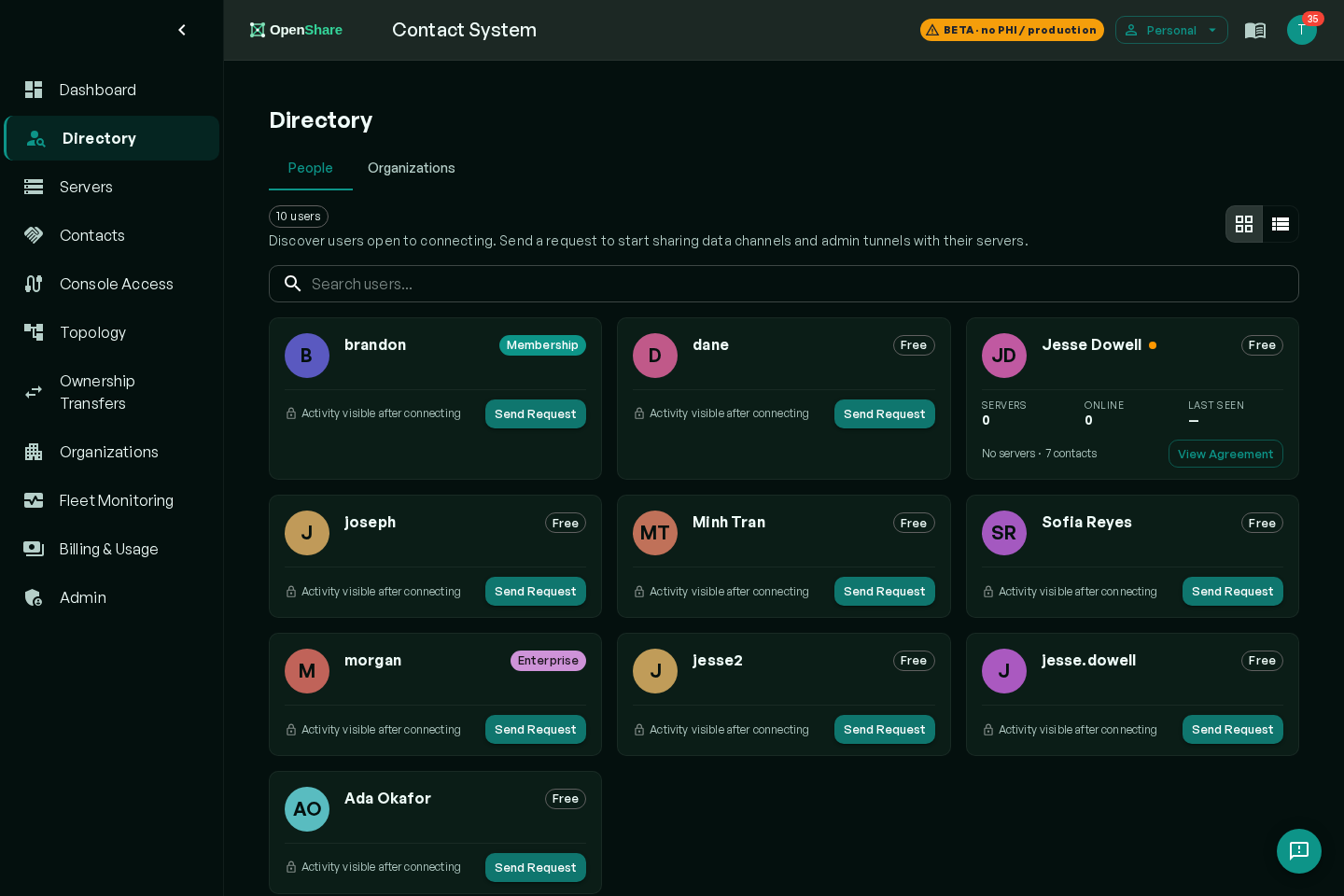
The Contact Directory is the coordination layer inside OpenShare Exchange. It gives every organization a discoverable identity on the network, and sharing agreements define exactly which feeds route between organizations, in which direction.
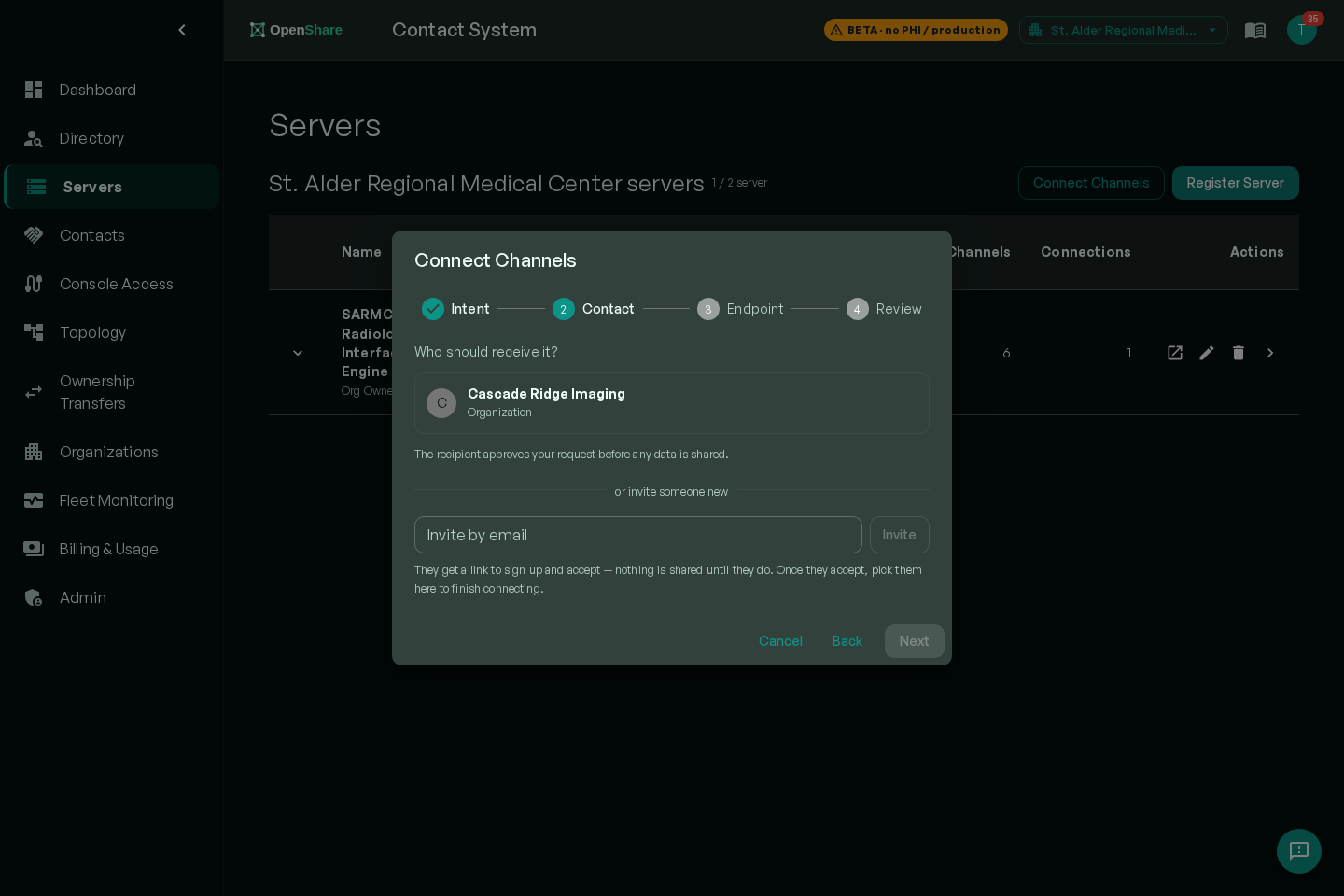
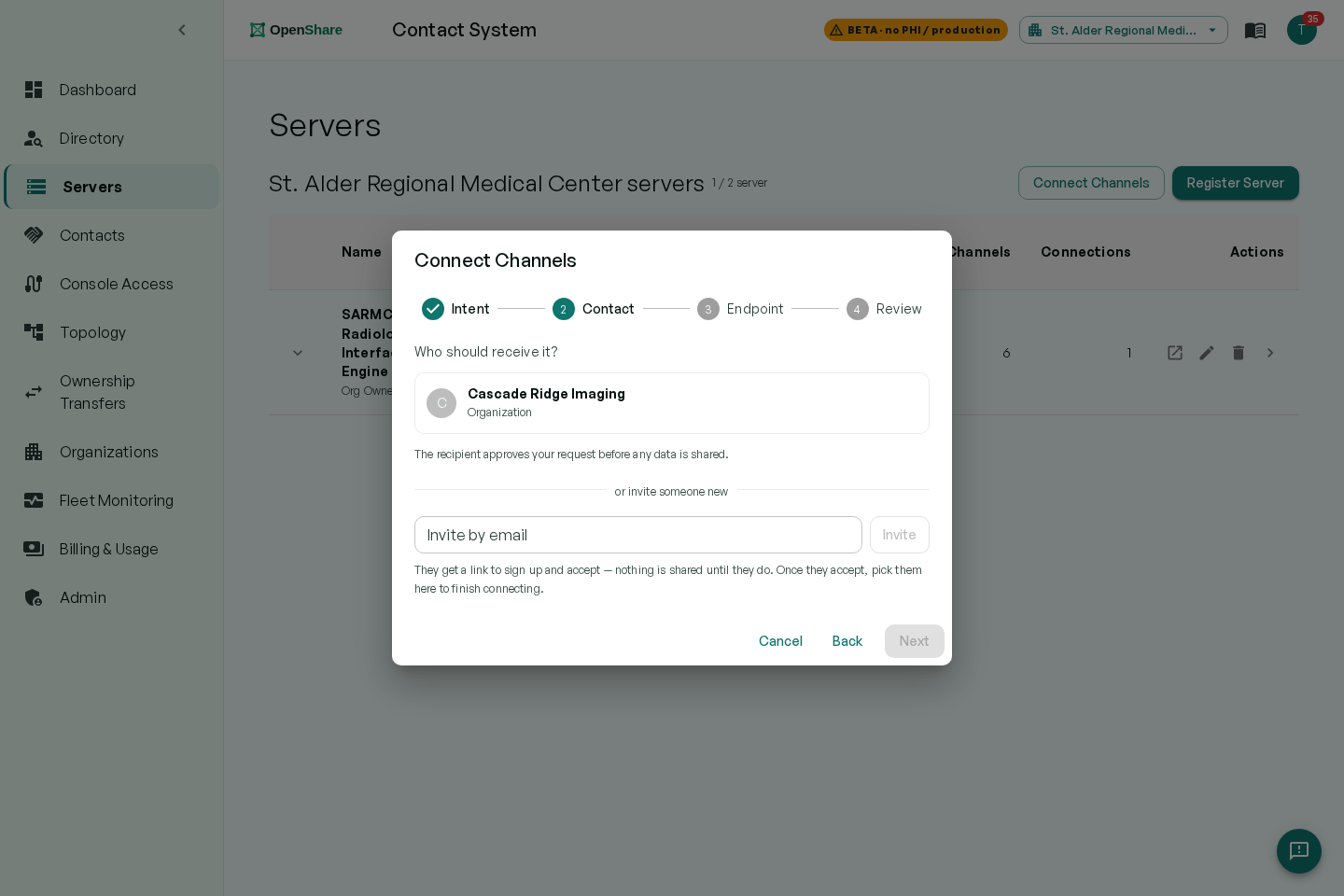
- Discover: publish your organization as a contact; find and verify trading partners
- Peer: establish a mutually trusted direct connection with another organization
- Publish channels: define publish/subscribe data streams across the peer connection
- Control: you decide what you share and with whom, granular channel-level permissions
HL7, FHIR, DICOM,
and medical images.
OpenShare Exchange is format-agnostic at the transport layer. Any data your Mirth Connect or OIE integration engine can produce, HL7 ADT feeds, FHIR resources, DICOM studies, or raw medical images, can be published to a peered organization via the Gateway transport.
- HL7 v2 / v3, ADT, ORU, ORM, SIU, and more
- FHIR R4 / R5 resources and bundles
- DICOM studies and medical images
- Any format your integration engine supports
The protocol detail, out loud.
Cloud exchanges keep this behind a demo call. Here is exactly what your PACS and engine teams will ask.
A standard DICOM node, across organizations
Your PACS points at the gateway like any node it already knows: your AE titles are listed right in the app. C-STORE sends studies to any partner with an accepted agreement. Query/retrieve, C-FIND and C-GET, works across organizations, gated per agreement, and retrieved studies route to the destination you choose: PACS, VNA, or an onward channel.
C-STORE · C-FIND · C-GETBidirectional feeds over one agreement
Orders out, results back: ADT, ORM, ORU, and SIU route in both directions over the same sharing agreement that carries DICOM, with FHIR R4/R5 when you need it. The engine underneath transforms anything to anything, so a mismatched feed is a mapping, not a project.
ADT · ORM · ORU · SIU · FHIR R4/R5 · both directionsThe Contact app is
the whole job.
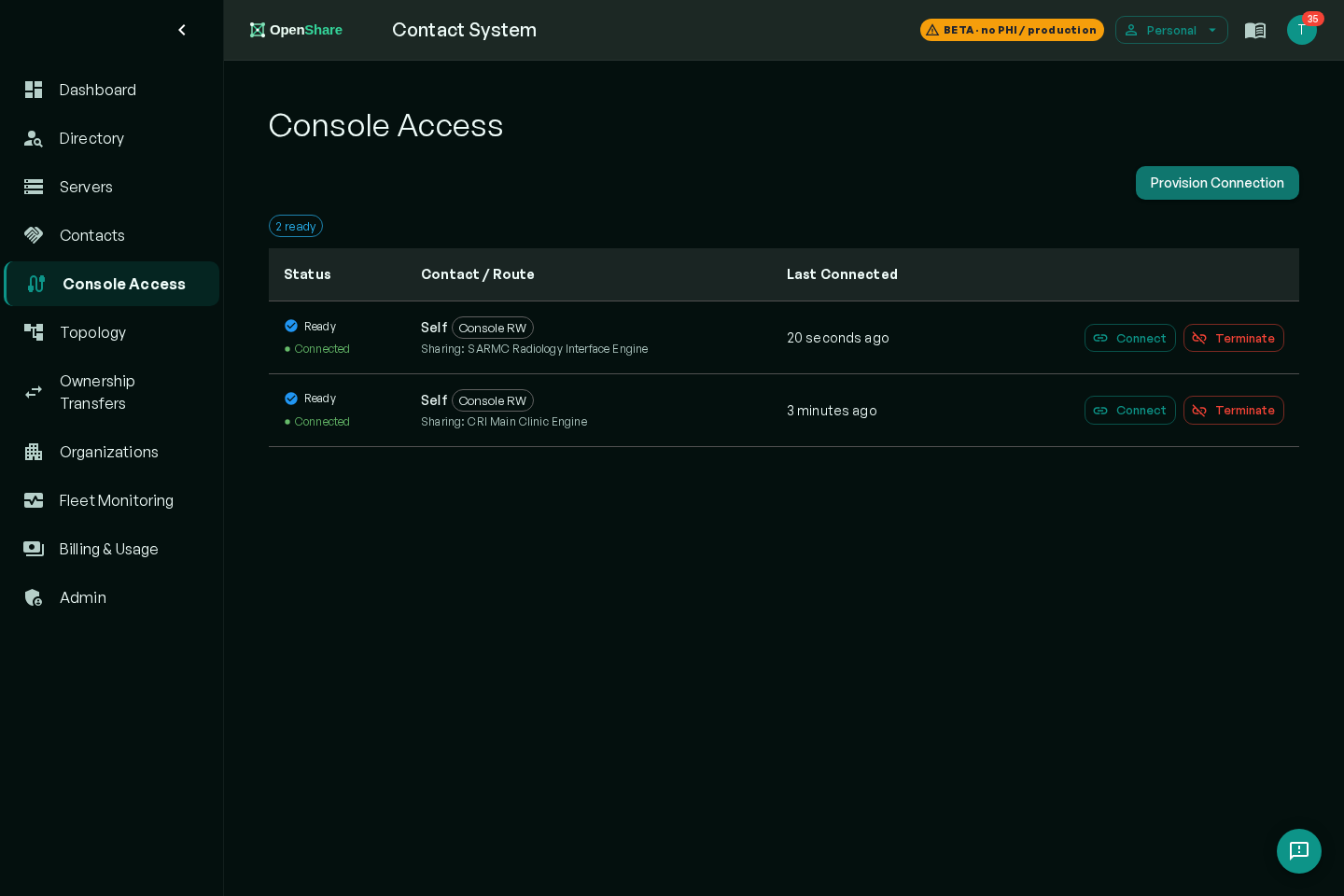
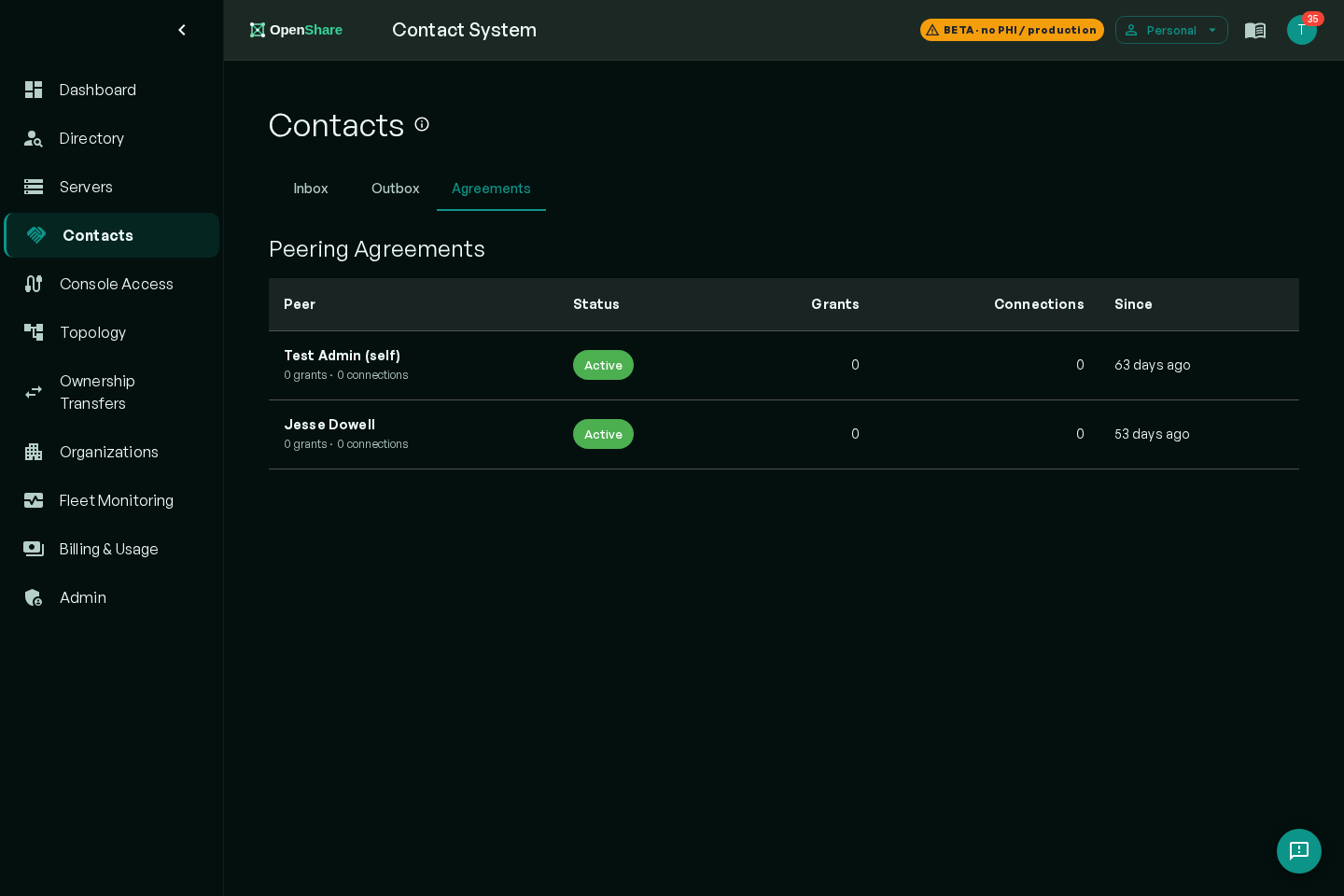
A hospital admin runs the entire exchange from the Contact web app: find partners in the directory, send and accept sharing agreements, watch live connections and routes. No engine expertise required, no desktop client, nothing to learn beyond the workflow on this page.
Advanced mode when you need it. Complex integrations, custom transforms, channel logic, and message-level debugging live in the full Mirth & OIE console underneath. It is there for your integration team, and optional for everyone else.
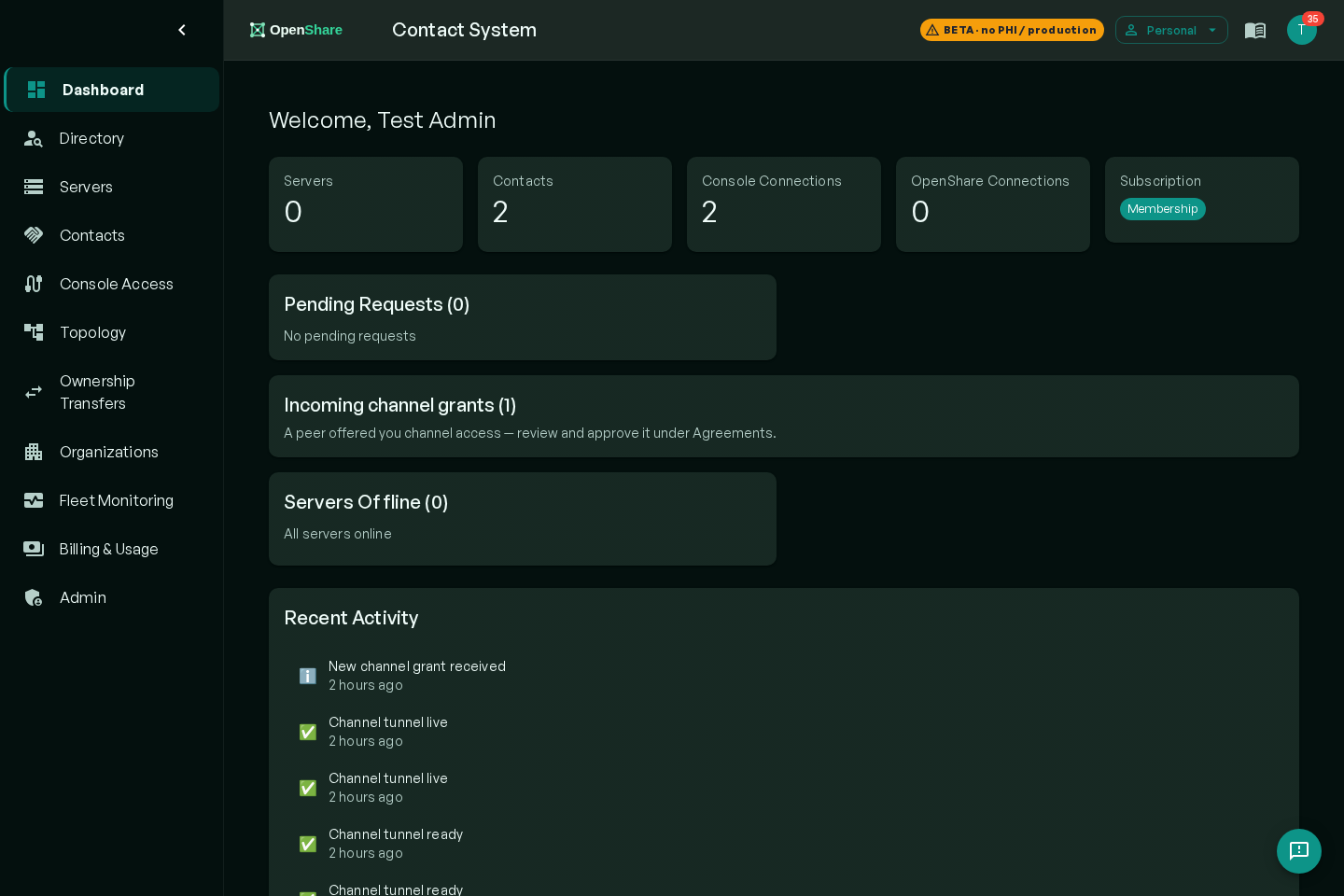
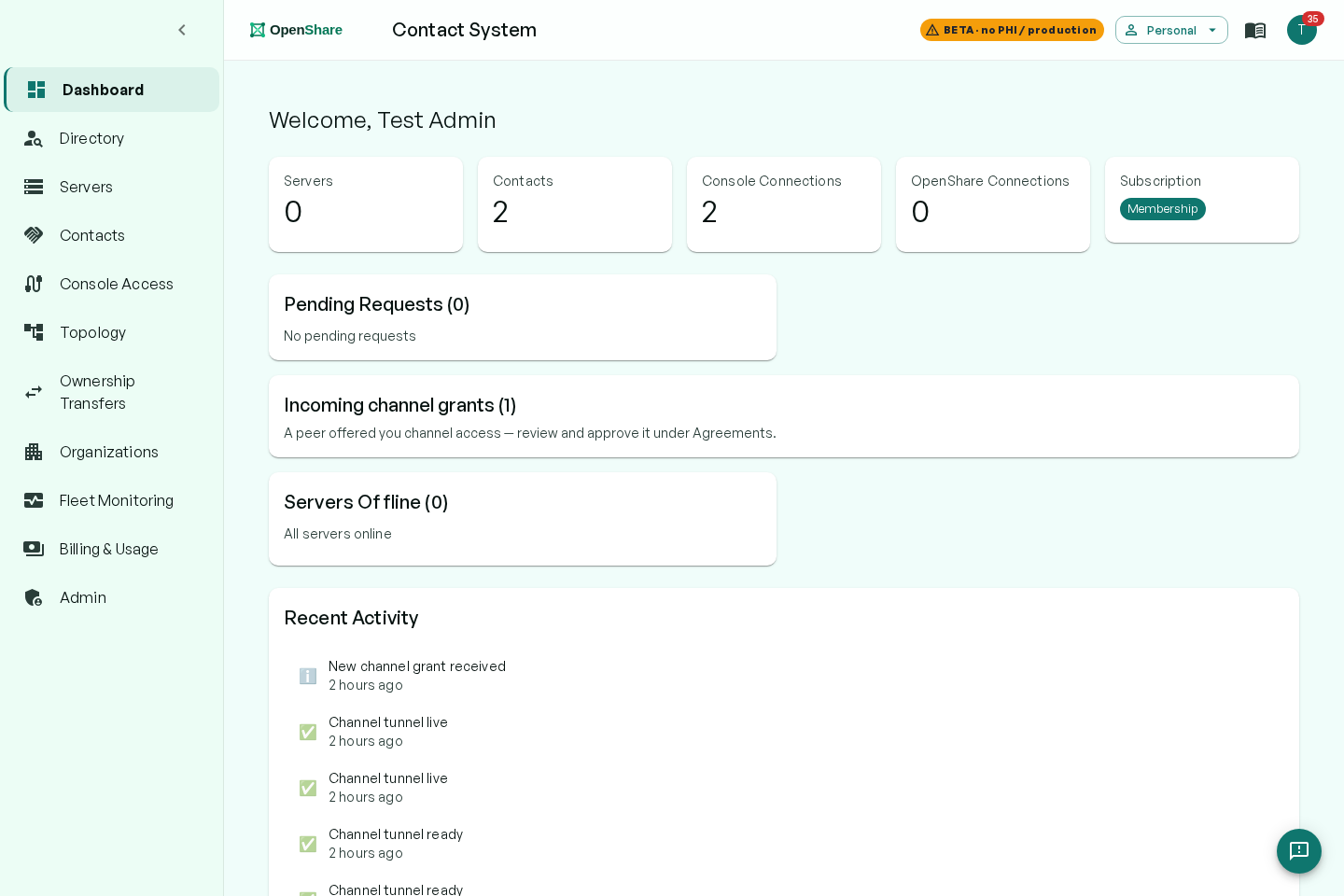
Inside the app.
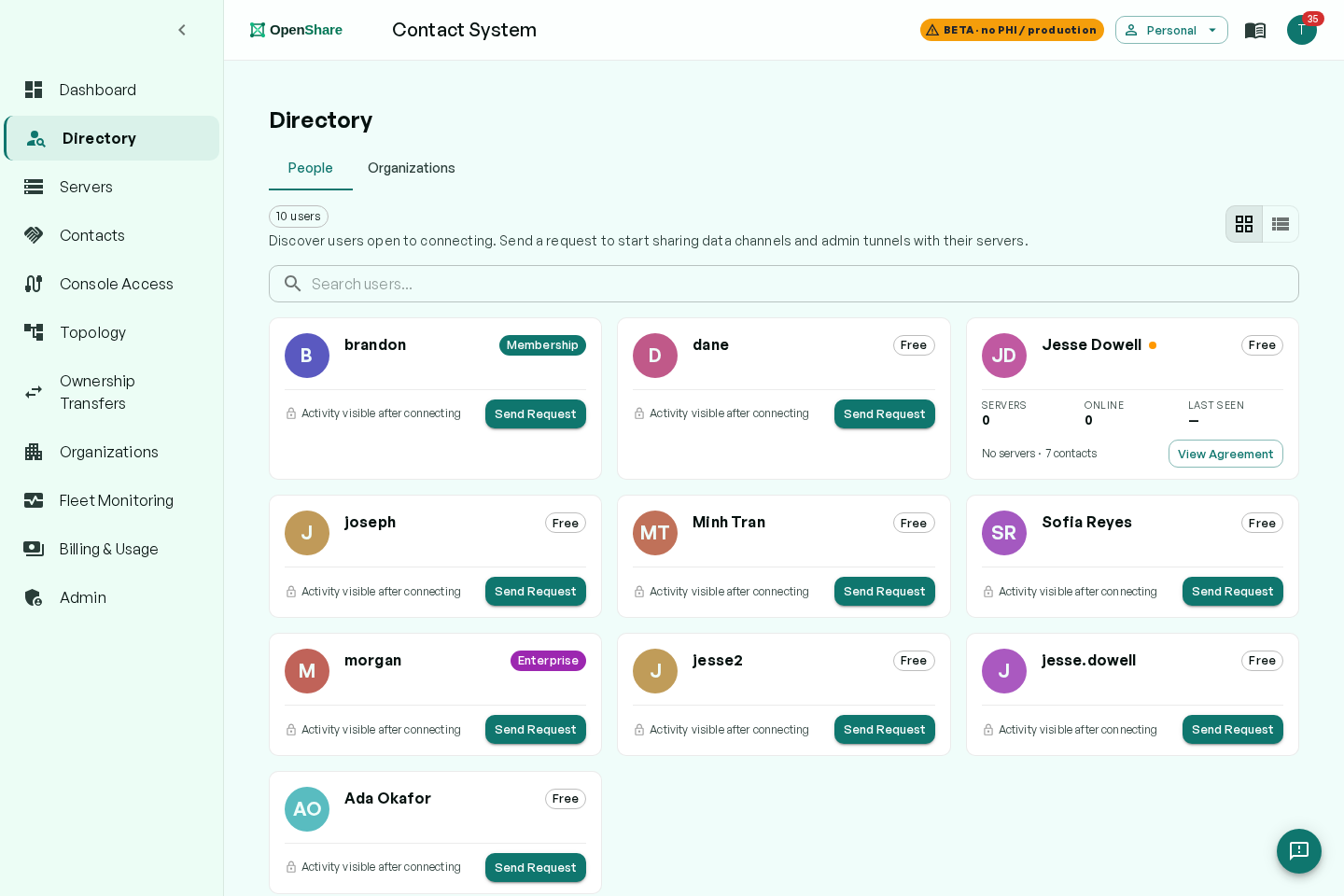
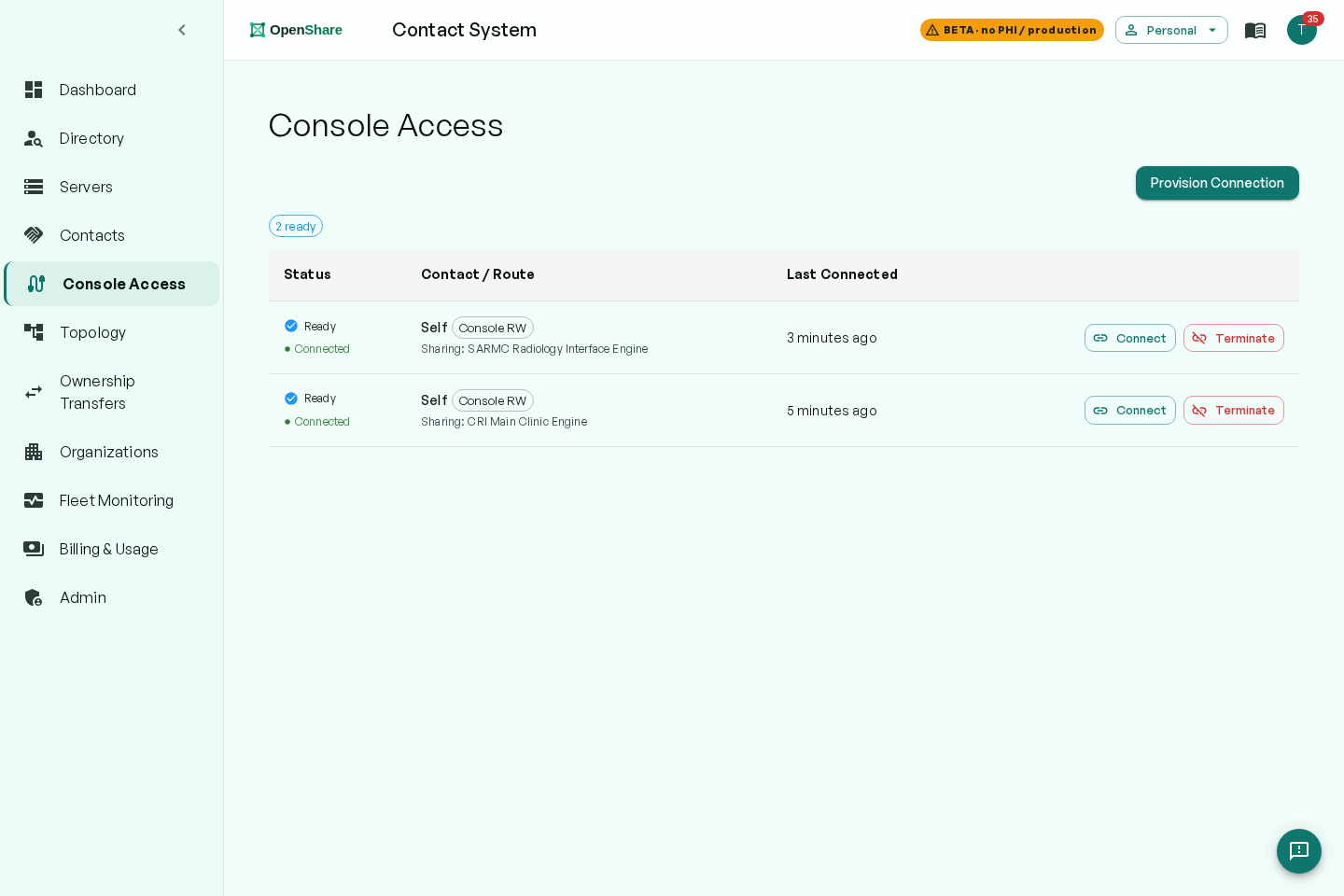
The real Contact app, not mockups. Click any screenshot to see it full size.
No centralized cloud. No per-image fees.
Centralized image exchange networks charge per image or per study. OpenShare bills bandwidth: a flat $500 per-server/month membership with 2.5 GB included, then a published $0.25 per GB, so cost tracks gigabytes, never study counts. See the full comparison →
- Per-image or per-transaction pricing, costs scale with volume
- Images routed through vendor cloud servers
- Data leaves your on-premise infrastructure
- Single vendor controls the network, lock-in risk
- Flat per-server pricing, no per-image or per-study fees
- Direct transfer, no intermediary server
- Data stays on your on-premise infrastructure
- Open network, peer with any organization running OpenShare
End-to-end encrypted.
Data you share is data you control.
Every transfer through OpenShare Exchange is end-to-end encrypted via the Gateway transport layer. When a direct connection can’t be established (strict NAT or firewall), traffic falls back through a TURN relay, but remains end-to-end encrypted. OpenShare cannot read the content, even via relay.
- WebRTC (DTLS) end-to-end encryption on every transfer
- TURN relay fallback, encrypted in relay mode too
- End-to-end encrypted, zero PHI access
- Mutually authenticated peer connections, you approve every organization you peer with
Exchange rides on the
Gateway transport layer.
OpenShare Exchange uses the same end-to-end encrypted WebRTC infrastructure as OpenShare Gateway. Gateway is the transport: one encrypted connection that reaches the servers you run and the partner organizations you share with. Exchange is the directory and the sharing agreements that decide which organizations those are. Two capabilities of one product, on one encrypted foundation.
The Gateway plugin is installed on the servers at each organization. Exchange adds the Contact Directory and sharing-agreement layer on top, enabling cross-organization data flow without any additional network configuration.
Learn about OpenShare Gateway →The encrypted transport. One outbound connection reaches the Mirth/OIE servers you run and the partner organizations you choose. No VPN, no inbound ports. Explore Gateway →
Direct data exchange between organizations. HL7, FHIR, DICOM, direct, no intermediary, no per-transaction fees. Built on Gateway.
Frequently asked questions.
How is OpenShare Exchange different from PowerShare or Ambra?
PowerShare (Nuance/Microsoft) and Ambra Health (Intelerad) are centralized cloud services: your DICOM images travel through their servers and you pay per-image or per-transaction fees. With OpenShare Exchange, organizations transfer data directly to each other over an end-to-end encrypted connection. No centralized cloud holds your images, no per-image fees accrue, and data stays on your infrastructure.
Are there per-image or per-study fees?
No. Network membership is a flat $500 per server, per month, with 2.5 GB of transfer included and a published $0.25 per GB after that. You never pay per image or per study: the meter reads gigabytes, not study counts, so high-volume sites stay predictable. During open beta, memberships are not available for purchase yet.
What data formats does Exchange support?
OpenShare Exchange transfers HL7, FHIR, DICOM, and medical images directly between organizations. Any data format your Mirth Connect or OIE server can produce can be delivered to a peered organization via a published channel.
Does PHI leave our infrastructure?
Data travels directly between organizations over an end-to-end encrypted connection via the Gateway transport layer. When a strict NAT or firewall prevents a direct connection, a TURN relay is used as fallback, but the relay cannot read the content. OpenShare never has access to unencrypted PHI.
How does the Contact Directory work?
Your organization is listed in the Contact Directory. Find a partner, send a sharing agreement that names both parties and scopes exactly which feeds route and in which direction, and when they accept, the routes go live. Either side can revoke at any time, and every agreement action is audit-logged.
