Run Mirth & OIEfrom the browser.
The Java desktop client is gone. Administer every Mirth Connect or OIE integration engine from a single browser tab: channels, messages, transformers, and monitoring. Free for everyone, with no JRE, no VPN, and no version drift.
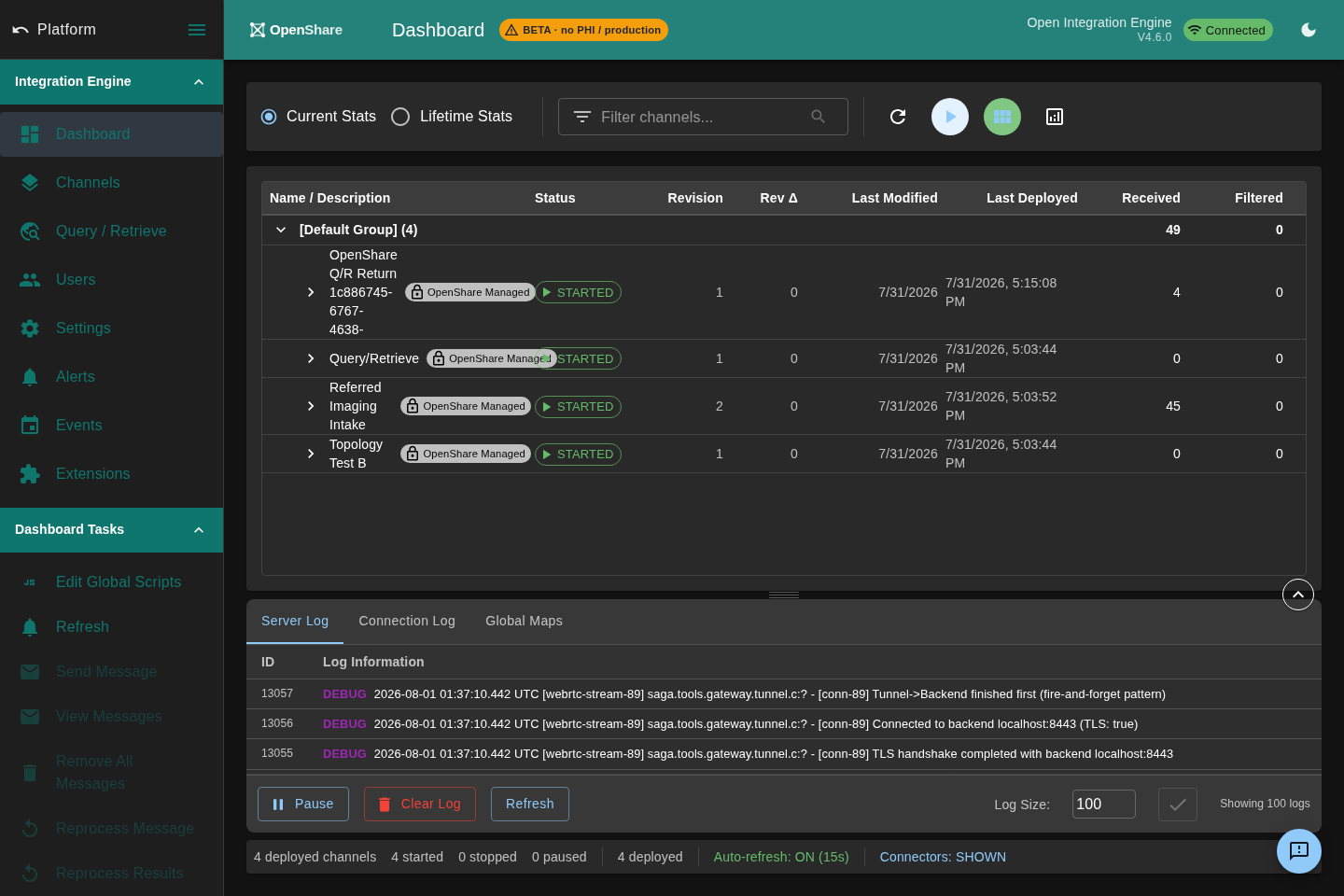
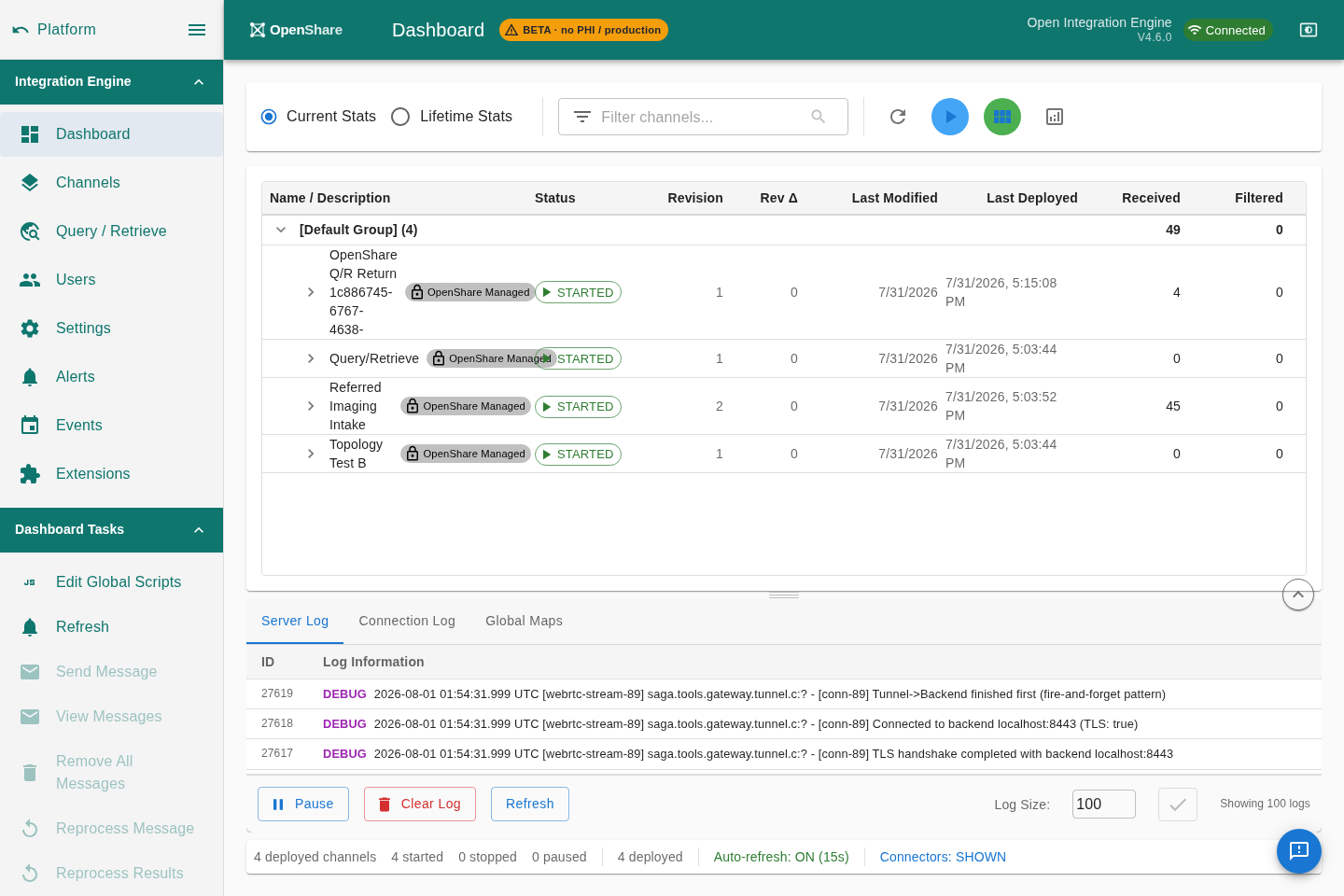
Everything the Java client did, now in your browser.
The full administration workflow you know, reimagined for the web. Nothing to install, always up to date, every server in one place.
Edit and deploy channels, no desktop app.
Browse every channel across every connected server, edit source and destination connectors, tune transformer logic with syntax highlighting, and redeploy, all live in the browser, fork-agnostic across Mirth Connect and OIE.
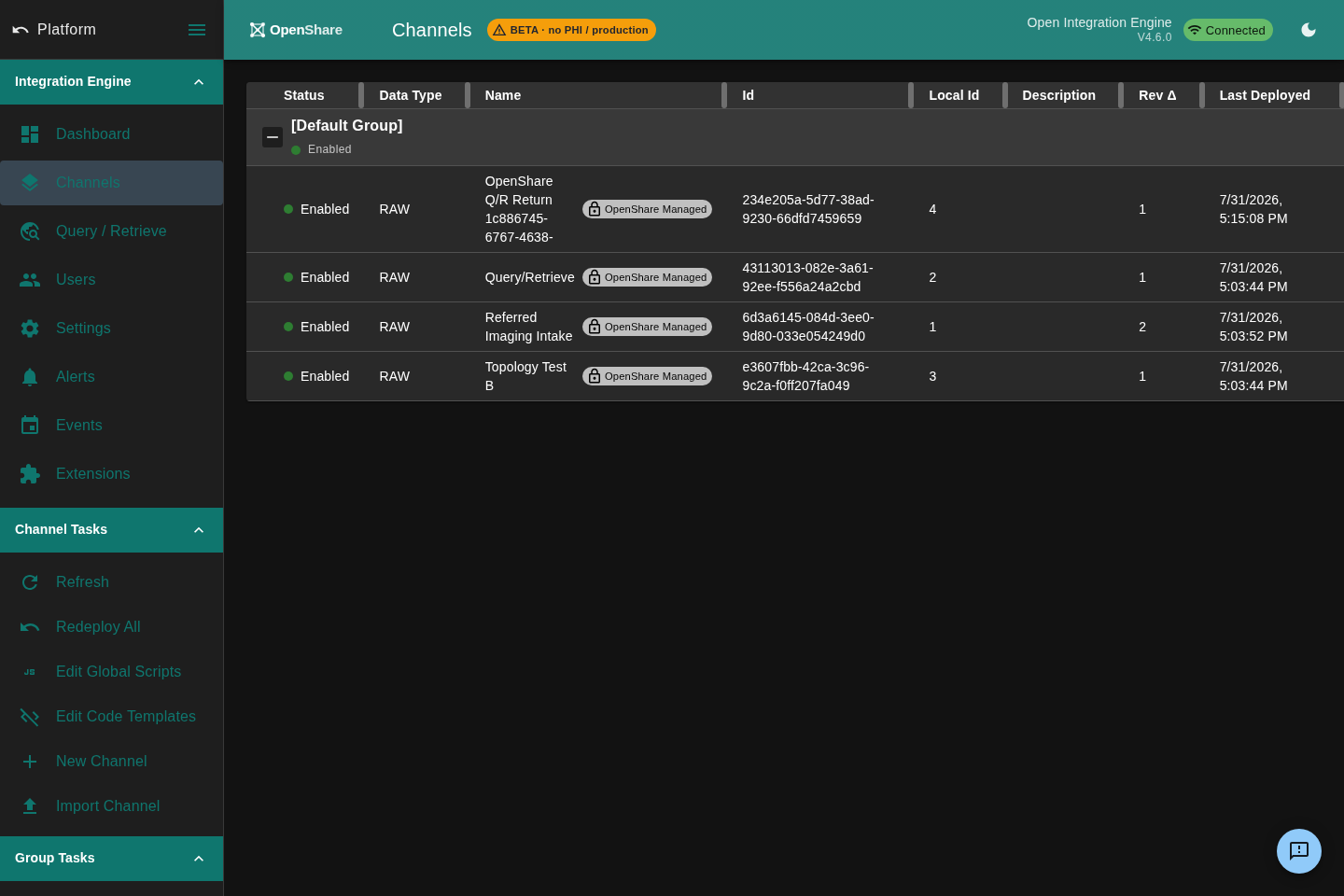
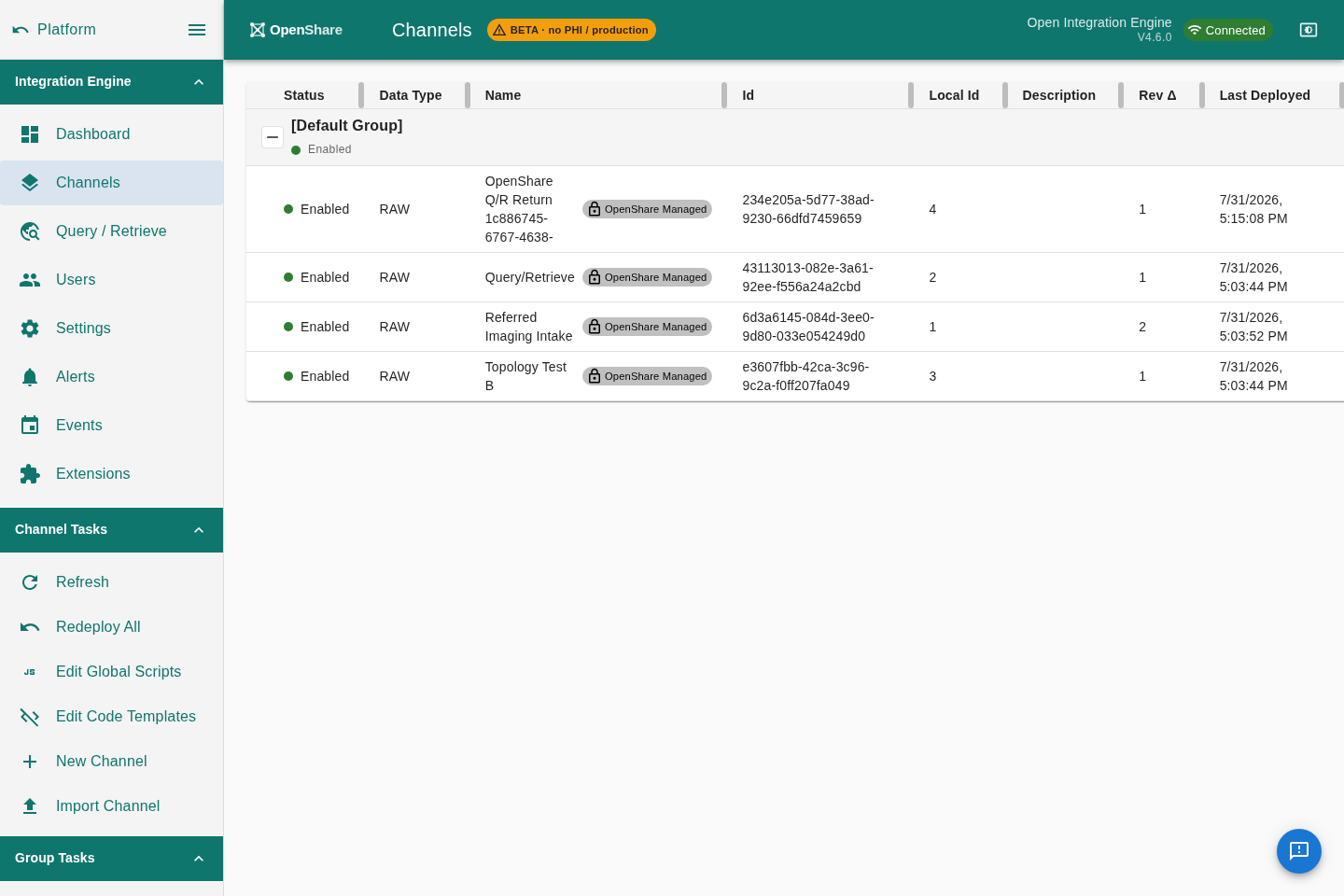
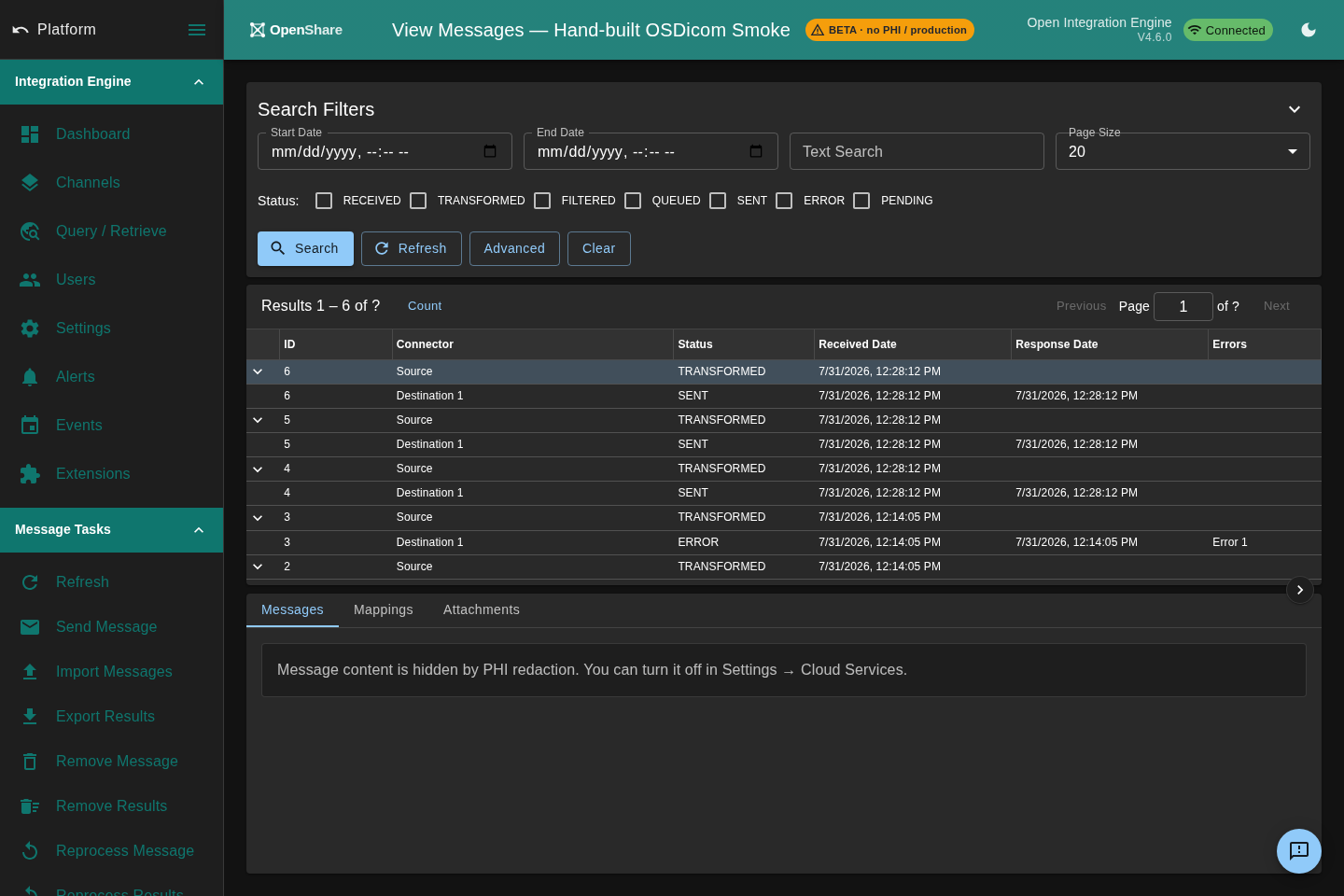
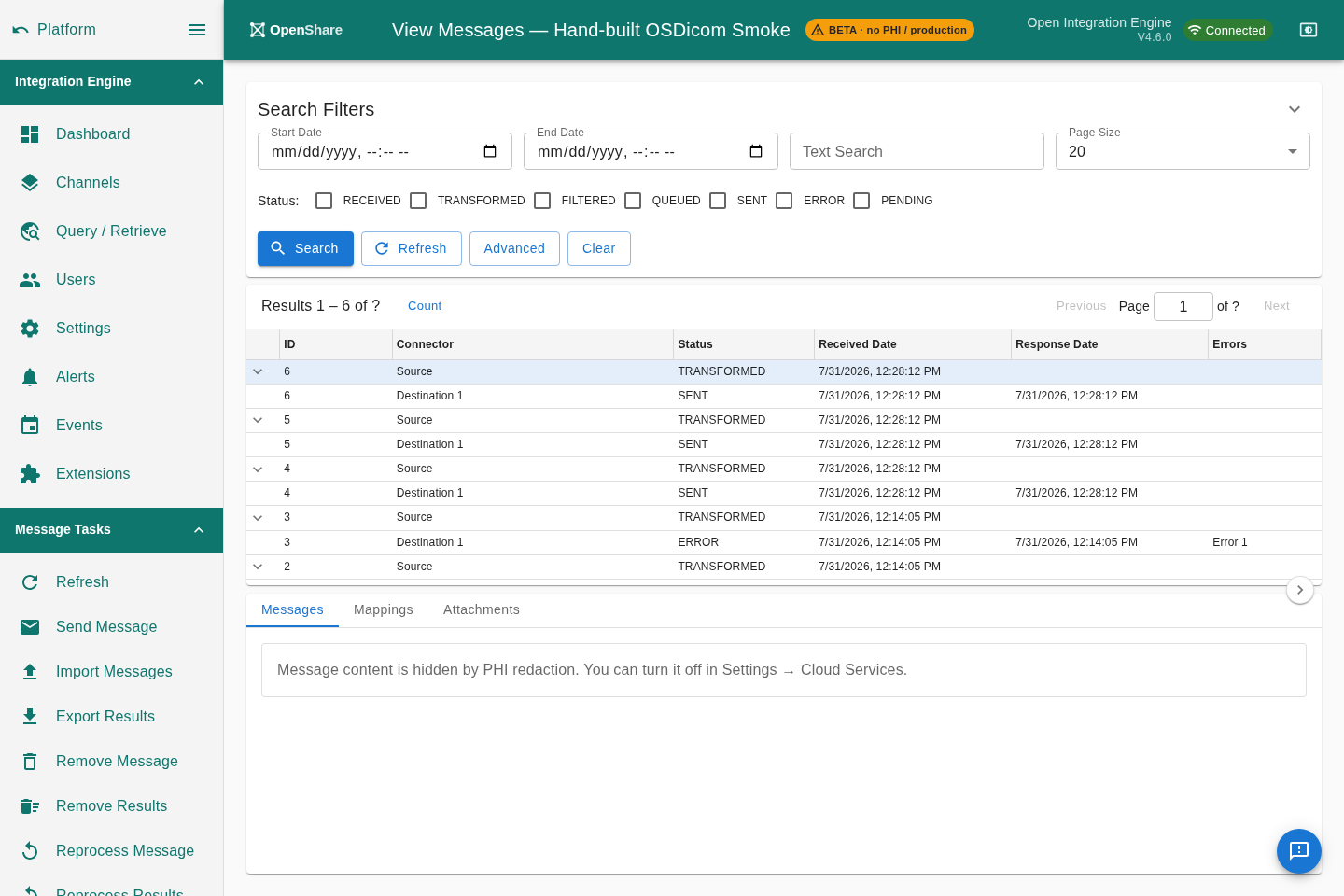
Search, decode and reprocess messages.
Filter HL7, FHIR and DICOM messages across channels, read parsed segment-and-field views without a separate HL7 spy tool, and reprocess a message straight from the browser when something needs a retry.
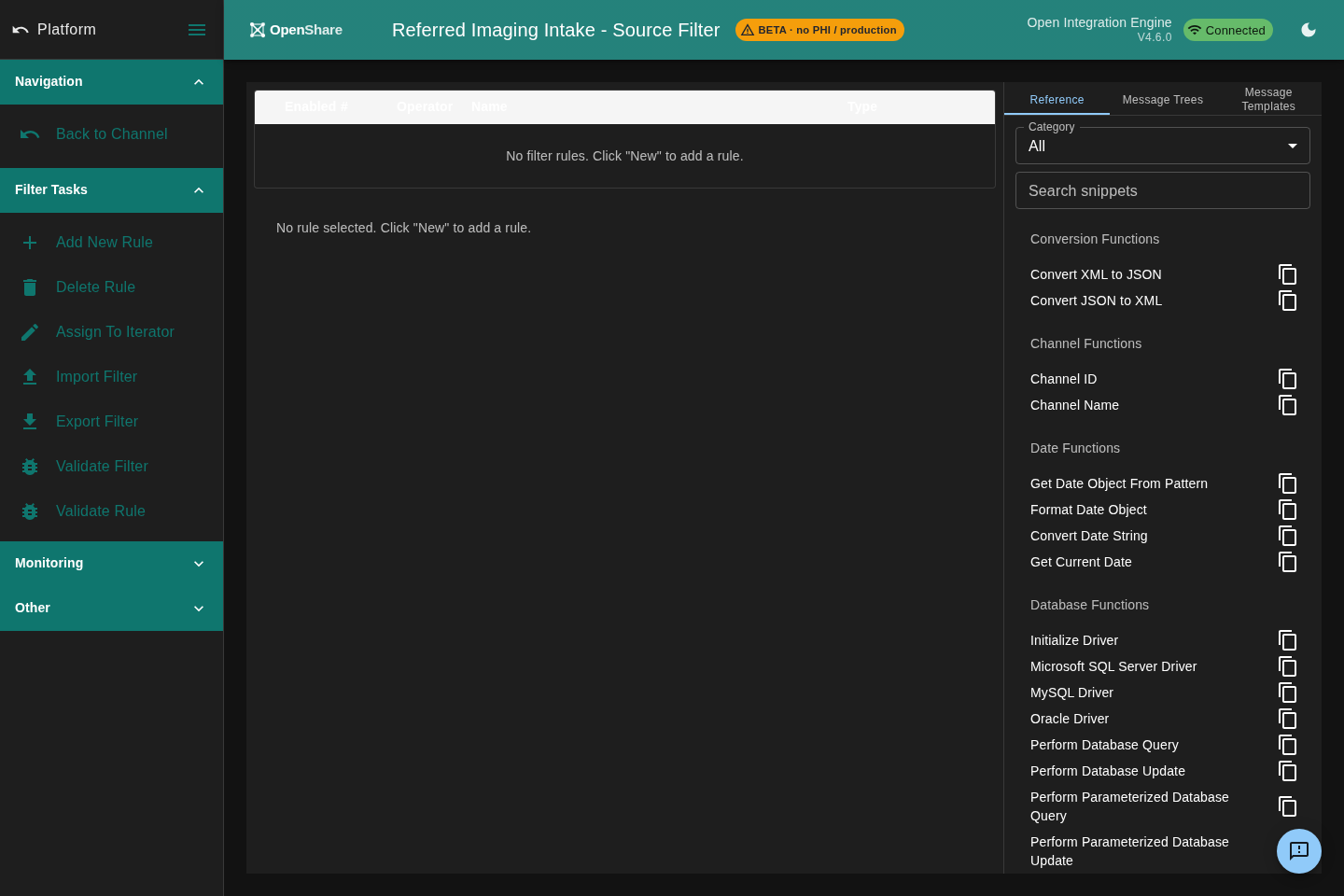
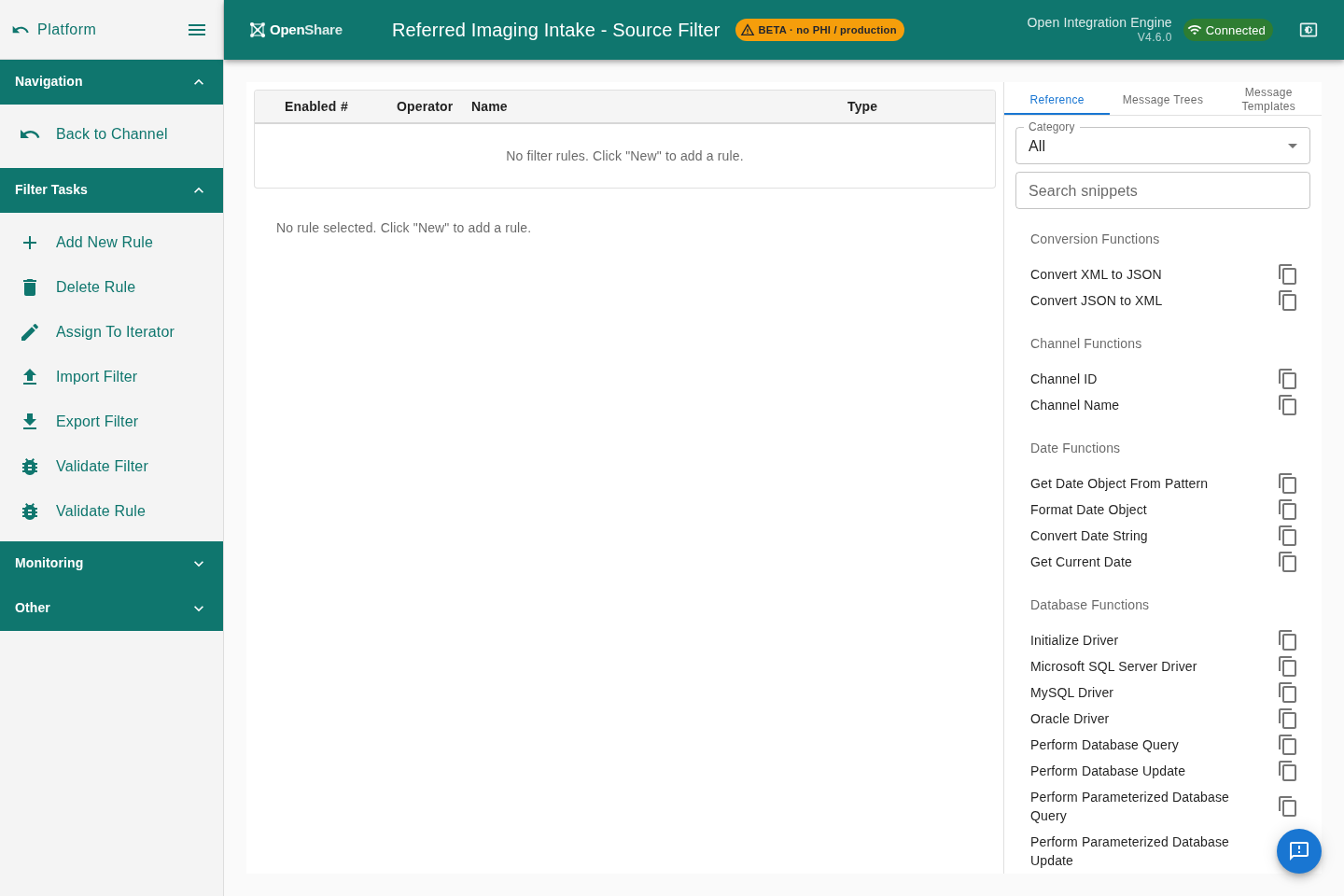
Build transformer pipelines with live feedback.
Chain filters and transformer steps, edit JavaScript with highlighting and validation, and see the shape of your data as it moves through the pipeline, the workflow you know from the Java client, reimagined for the web.
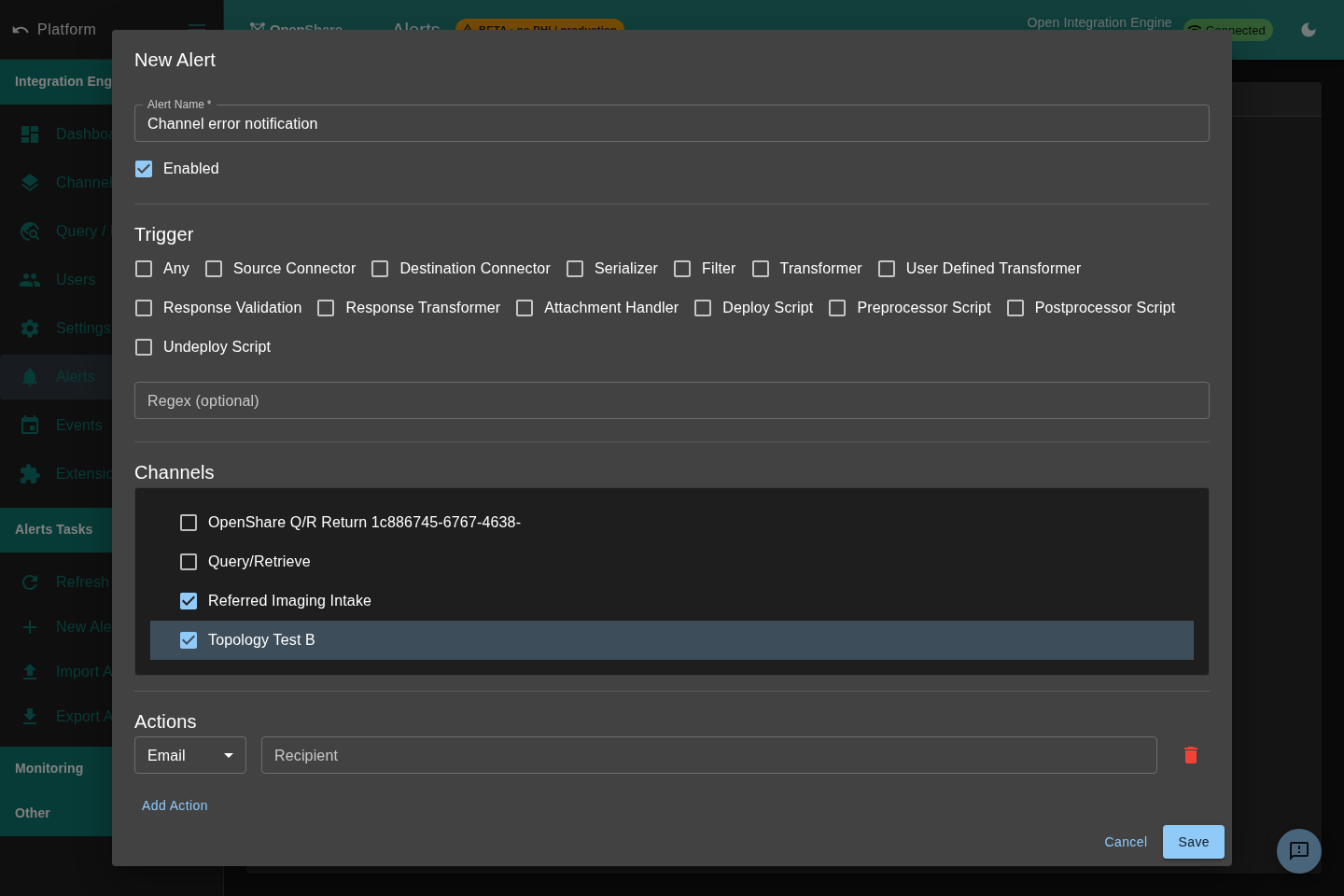
Know the moment a channel errors.
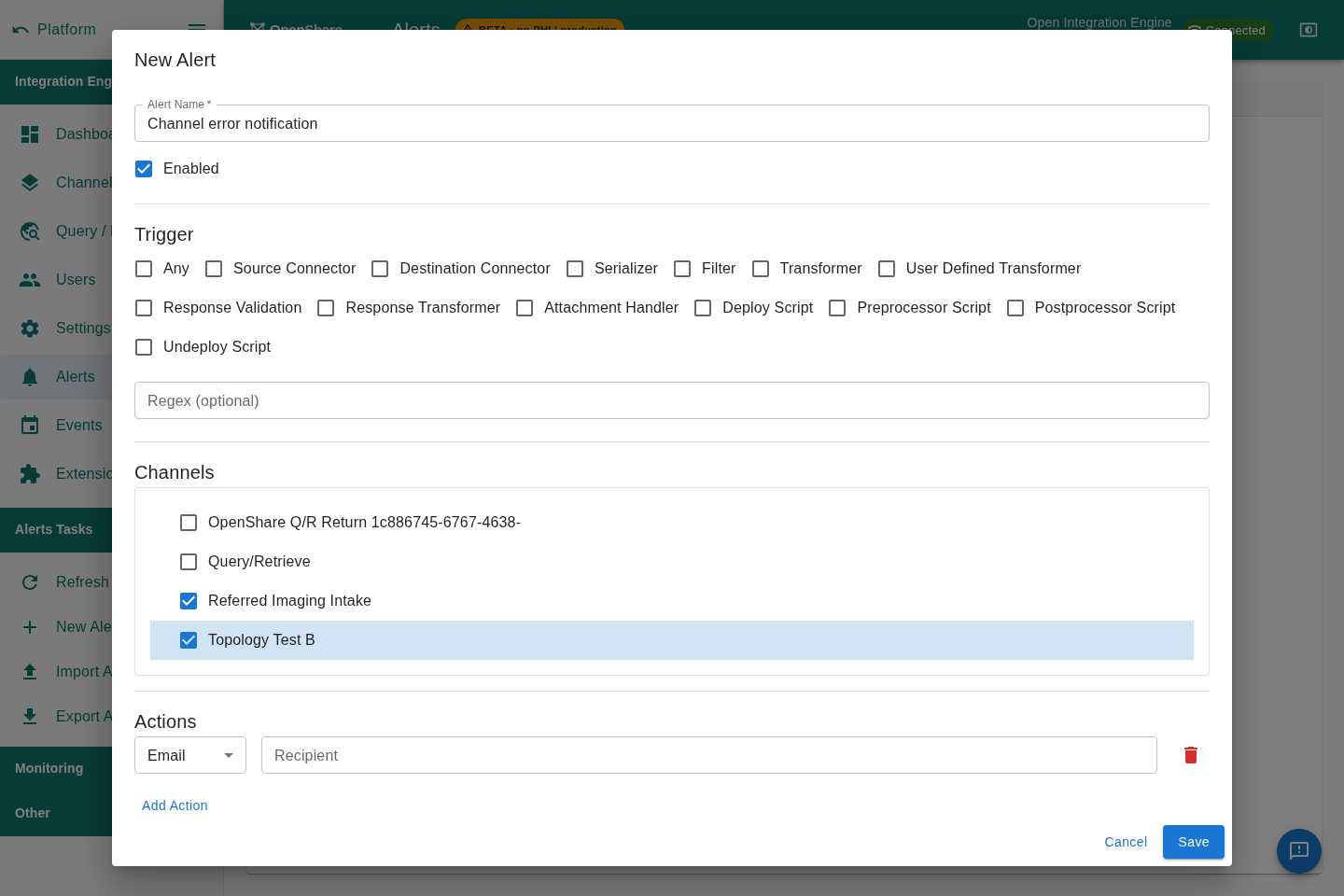
Configure alert rules on errors and queue depth, watch the live event feed, and get notified wherever you are. Real monitoring is built in, no separate agent, no extra subscription.
Fork-agnostic. It drives the integration engine you already run.
Console is not a new engine or a fork. It is a browser client that reaches your existing Mirth Connect, OIE, or BridgeLink interface engine through the Gateway plugin. Your channels, configuration, and data never move.


Comparing engines? See OIE + OpenShare against Rhapsody, Corepoint, Cloverleaf, and Iguana.
Java desktop client vs. OpenShare Console.
| Capability | Java admin | OpenShare Console |
|---|---|---|
| Channel management | ✓ | ✓ |
| HL7 message browser | ✓ | ✓ |
| Dashboard & monitoring | Basic | Real-time |
| Alert configuration | ✓ | ✓ |
| User & group management | ✓ | ✓ |
| Remote access | Requires VPN | Built-in, no VPN |
| Built-in DICOM viewer | × | ✓ |
| Analytics | × | ✓ |
| Runs in a browser | × | ✓ |
| Multi-server management | Separate windows | One interface |
The Console is one switch on a bigger box.
OpenShare is a single plugin for your Mirth or OIE server. The Console is how you drive it, and the same install brings the rest of the toolkit, free to run on your own servers.
Reach every engine, no VPN
Secure, outbound-only remote access to all of your Mirth and OIE servers, from anywhere, without opening a port.
Explore Gateway →DriversDevice integrations, pre-built
Import a ready-made channel bundle for the device or system you need, with firewall manifests and install guides included.
Explore Drivers →MonitoringYour whole fleet, one view
Channel health, throughput, and alerts across every connected engine, without a per-seat license or another agent to run.
Explore Monitoring →Ready for more than administration? The same plugin joins the OpenShare network: find partners in the Contact Directory, send and accept sharing agreements, and exchange DICOM, HL7, and FHIR directly between organizations, never a per-study fee. See how it works →
Coming from Mirth Connect? OIE reads your existing database directly: same channels, same extensions, no rebuild. The migration guide →
